Your Voice Engine, Running Locally
A native macOS app for voice cloning, emotion control, and natural language voice design — powered by Qwen3‑TTS, entirely offline on Apple Silicon.
Features
Everything You Need for Voice Generation
Three powerful modes for creating natural, expressive speech — all running locally on your Mac.
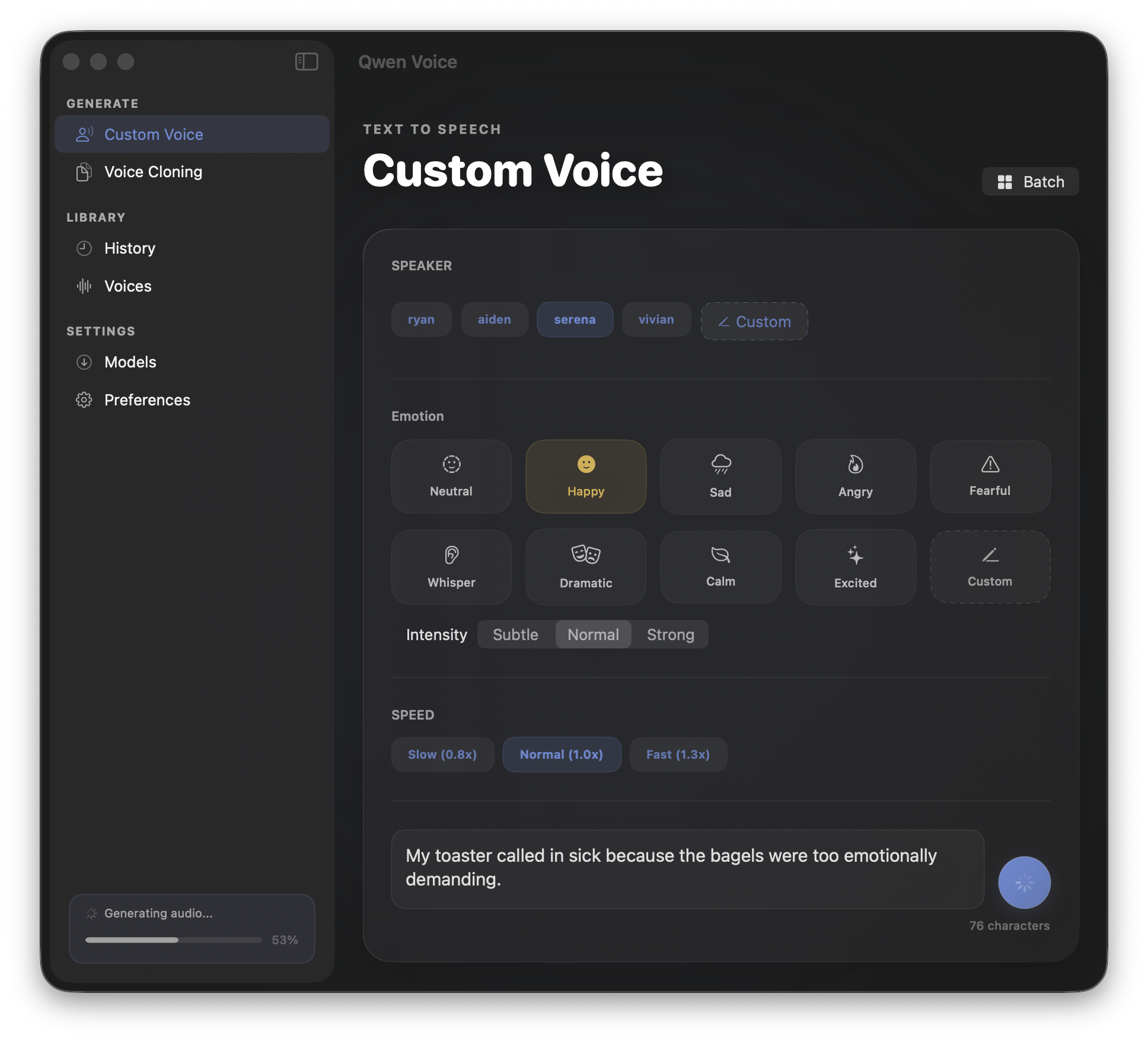
Custom Voice Speakers
Choose from 4 built-in speakers with distinct vocal characteristics, or fine-tune speech with natural language control over tone, pace, and emotion.
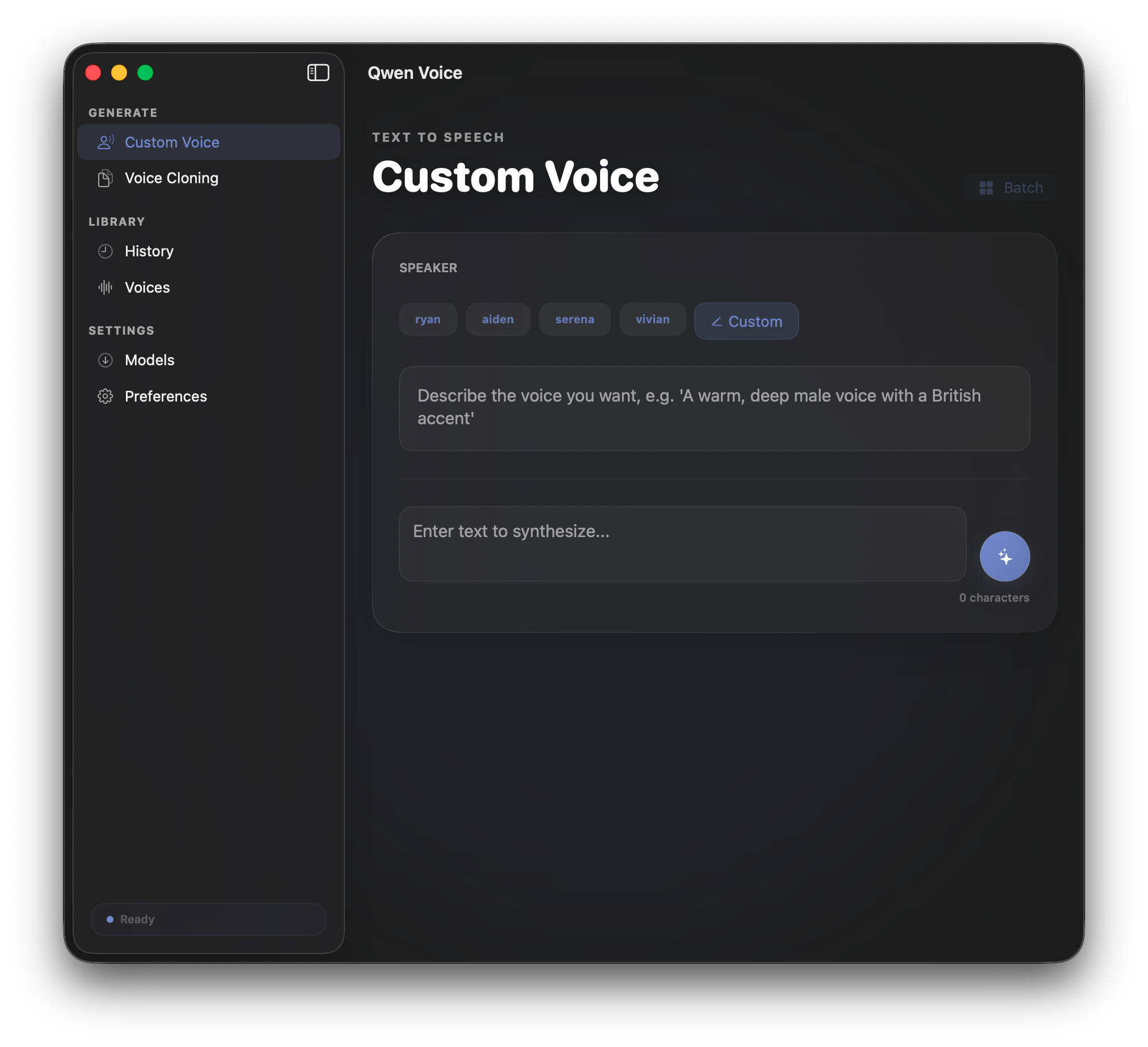
Voice Design Studio
Create entirely new voices from text descriptions. Describe the voice you want — age, accent, personality — and QwenVoice brings it to life.
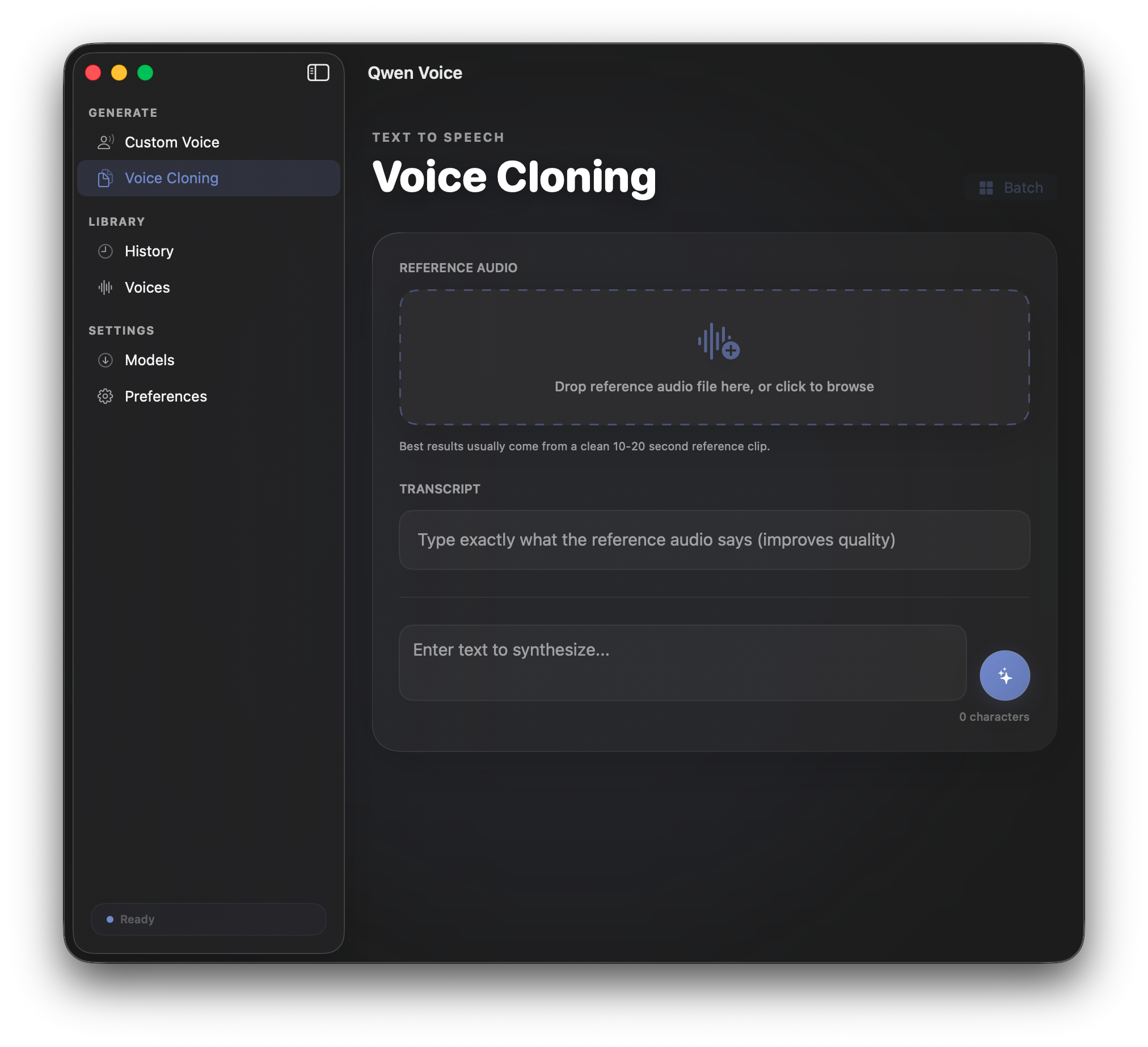
Voice Cloning
Clone any voice from just 5–10 seconds of audio. Upload a sample and generate speech that captures the unique characteristics of the source.
How It Works
Up and Running in Minutes
From download to your first generated speech in four simple steps.
Download
Grab the latest release from GitHub Releases.
Install
Move to Applications and clear the quarantine flag.
Download Models
Download the Qwen3-TTS models from within the app.
Generate
Type text, pick a voice, and generate speech instantly.
Under the Hood
Technical Highlights
Built with performance and privacy at the core.
100% Offline
Every computation happens on your device. No data ever leaves your Mac — complete privacy by design.
Apple MLX Accelerated
Optimized for Apple Silicon using the MLX framework for maximum GPU utilization.
Zero Dependencies
Self-contained .app bundle. No Python, no Homebrew, no command-line setup required.
1.7B Parameters
Powered by Qwen3-TTS 1.7B parameter models for state-of-the-art voice quality.
JSON-RPC 2.0
Built-in local server for seamless integration with other apps and automation workflows.
Intuitive Voice Controls
Fine-tune emotion and speaking speed with intuitive UI controls for precise voice customization.
| Model | Use Case |
|---|---|
| Qwen3-TTS-12Hz-1.7B-CustomVoice-8bit | Custom Voice (4 built-in speakers) |
| Qwen3-TTS-12Hz-1.7B-VoiceDesign-8bit | Voice Design (new voice from text description) |
| Qwen3-TTS-12Hz-1.7B-Base-8bit | Voice Cloning (clone from a short audio sample) |
System Requirements
What You Need
QwenVoice is designed for modern Macs with Apple Silicon.
macOS
26+
macOS 15 (Sequoia) support coming soon
Processor
Apple Silicon (M1–M4)
RAM
8 GB minimum

Ready to Get Started?
Download QwenVoice and start generating natural, expressive speech entirely on your Mac — no internet required.
After downloading, remove the quarantine flag:
xattr -cr /Applications/QwenVoice.app